Reviews and insights
Business-Reviews.net
Rate and review businesses based on your own experiences, and explore trusted businesses before you make a decision.
Visit Business-Reviews.net ↗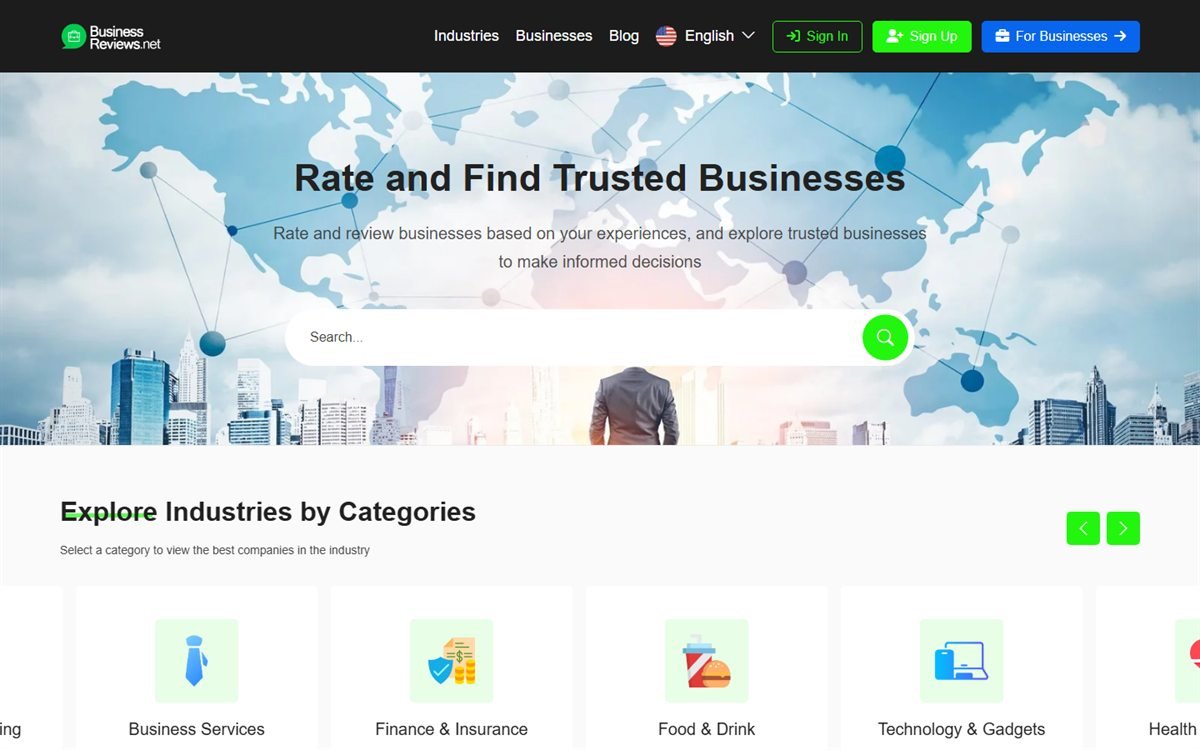

Amilma collection
Amilma brings together a business workspace and other applications at different stages of preparation. Choose the work you want to do, then check each application’s status and access before you begin.
Why Amilma
Amilma is a collection of applications, not a single dashboard.
Each application has its own website, purpose and access requirements. A shared Amilma identity does not mean that accounts, data, permissions or features automatically carry across services.
We show availability plainly, so you can choose the right next step with confidence.

Platforms
Three platforms from the Amilma family. Each one has its own website, audience and account.
Reviews and insights
Rate and review businesses based on your own experiences, and explore trusted businesses before you make a decision.
Visit Business-Reviews.net ↗
E-commerce in Bosnia and Herzegovina
Launch a professional web shop in minutes, with local payments, courier services and a point-of-sale system in one place.
Visit LiveShop.ba ↗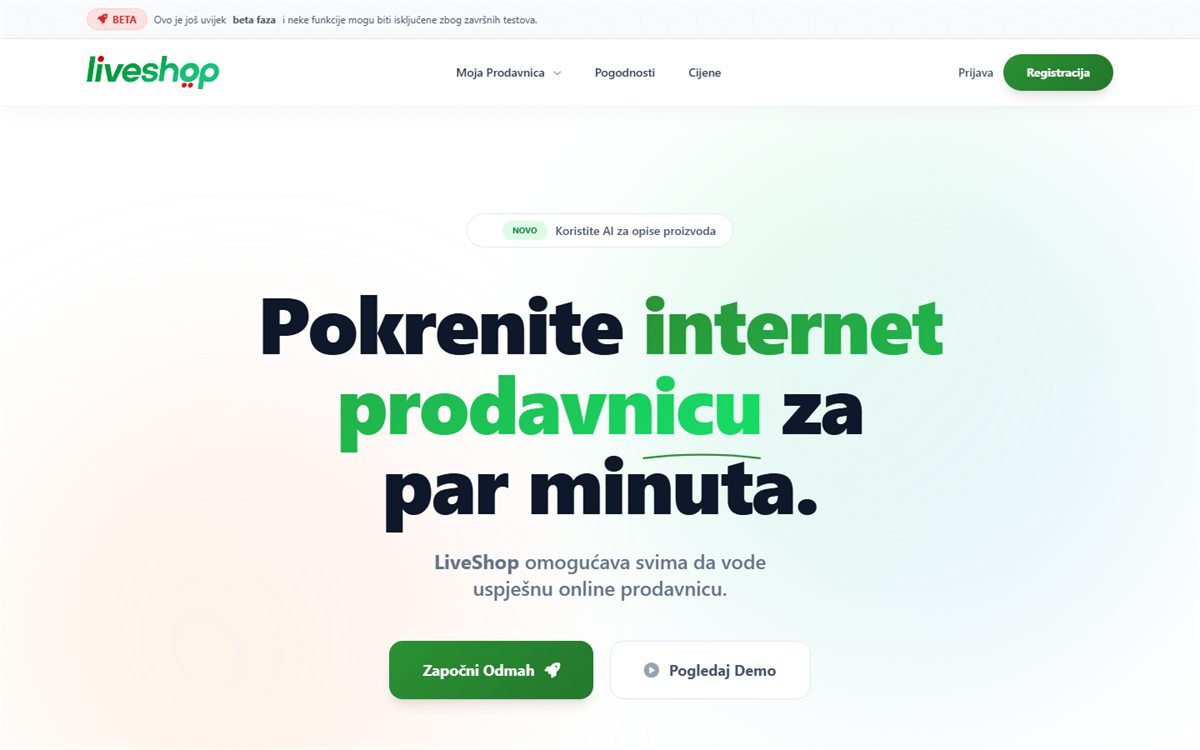
News, guides and community
Your Bosnian-language guide to GTA 6: verified news, guides and analysis of the world of Leonida. Rumors are clearly separated from official information.
Visit GTA6.ba ↗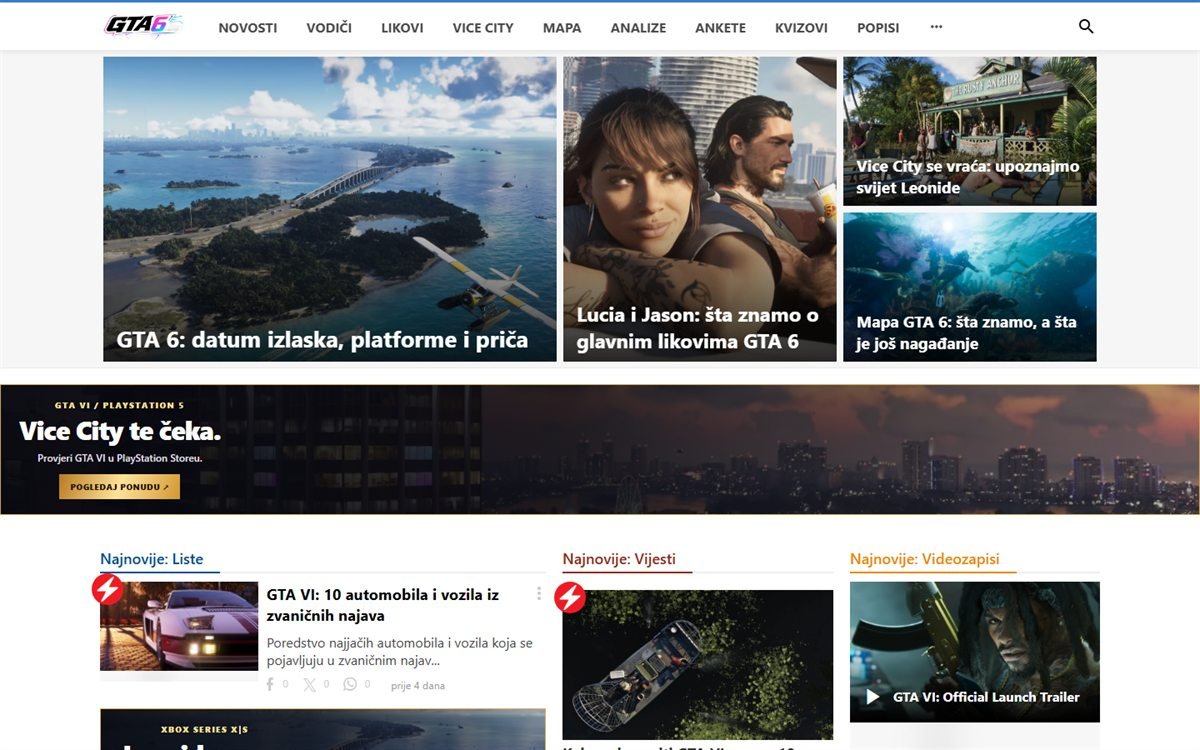
Our applications
Availability can change. Each card links to the latest overview or to the application itself.
Business workspace
A business workspace for projects, clients, people and the everyday details around them.
Available to explore
Explore Cloud →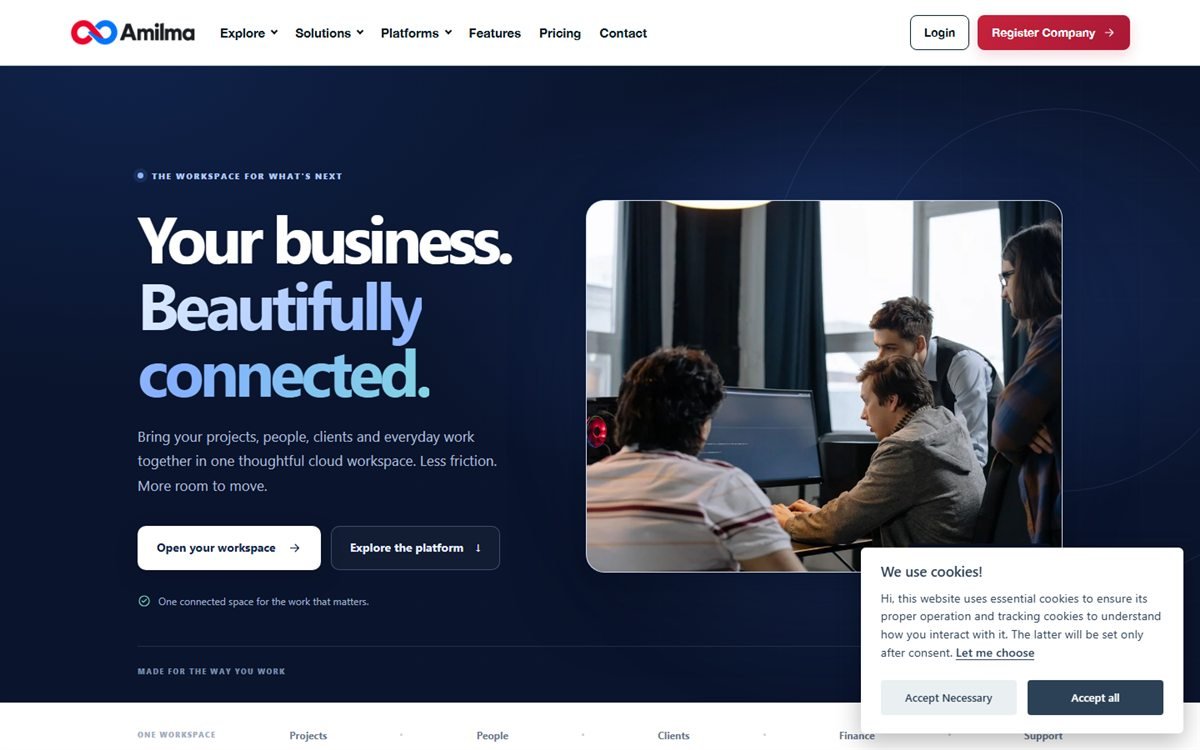
Web analytics
A planned analytics application. It is not installed and not yet available for tracking.
In preparation
View overview →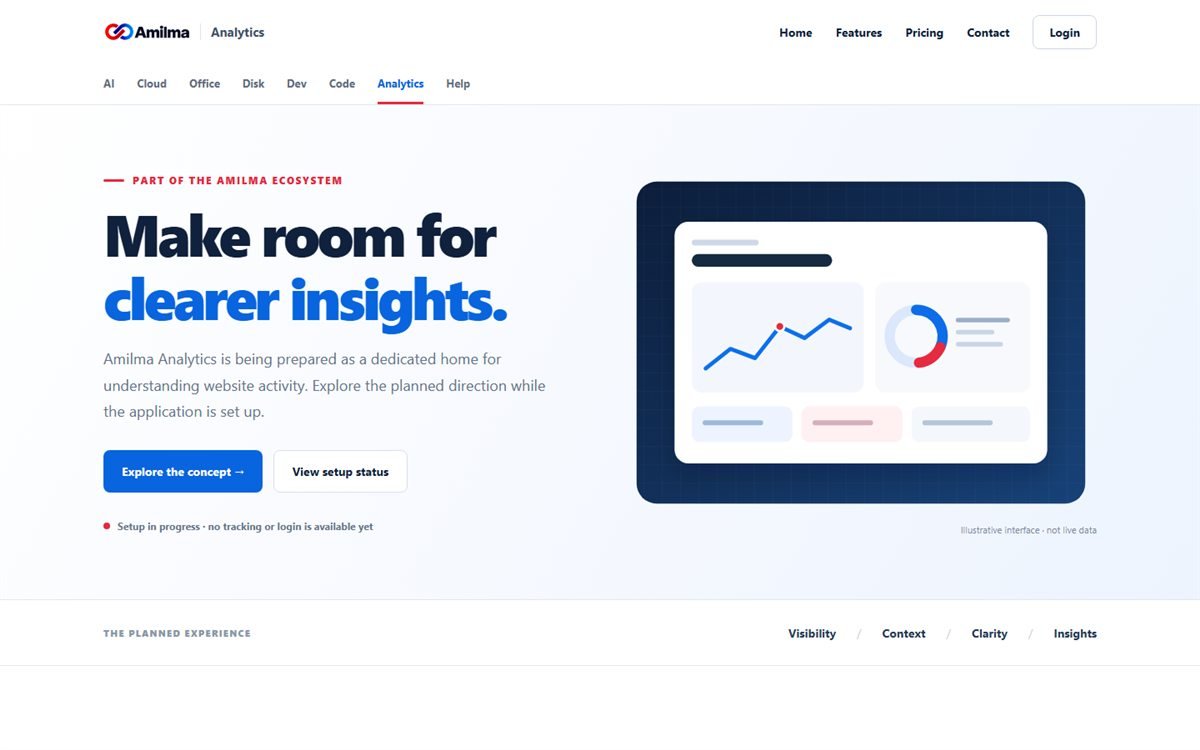
AI and web development
Describe what you want to build and start from a prompt. Quick starts include portfolio websites and landing pages.
View overview →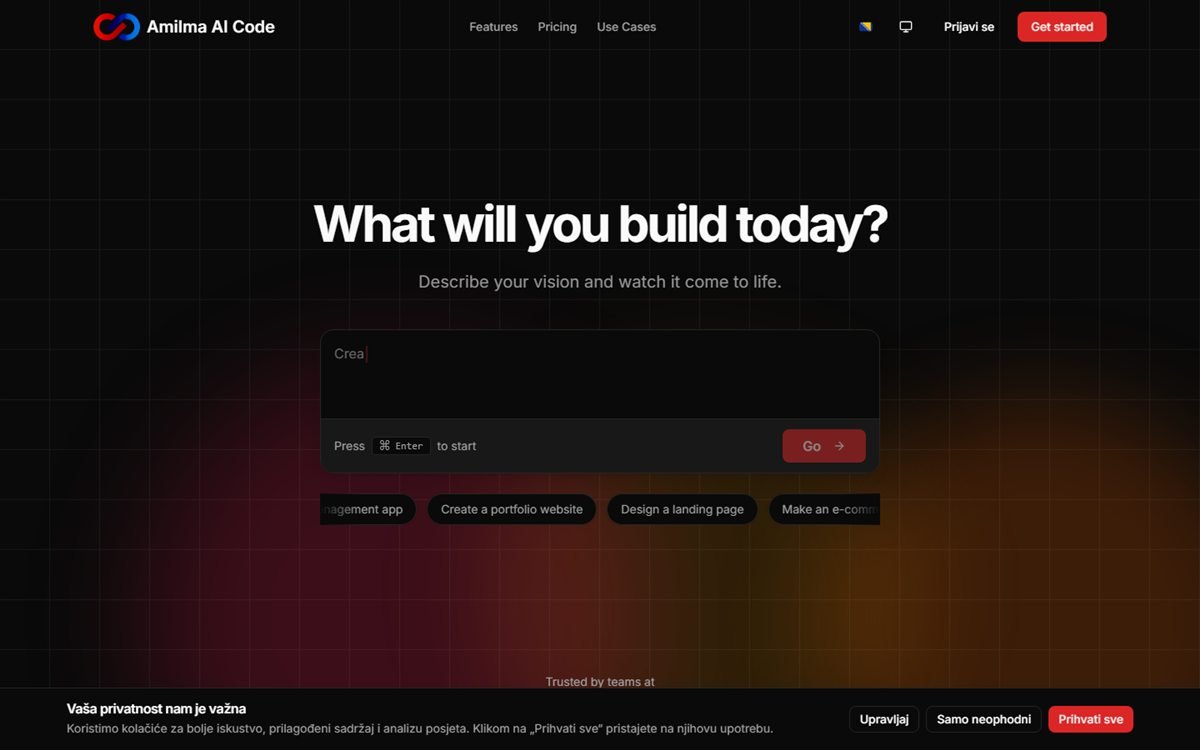
Visual collection
An image collection in a password-protected preview for people who have been granted access.
Private preview
Review access →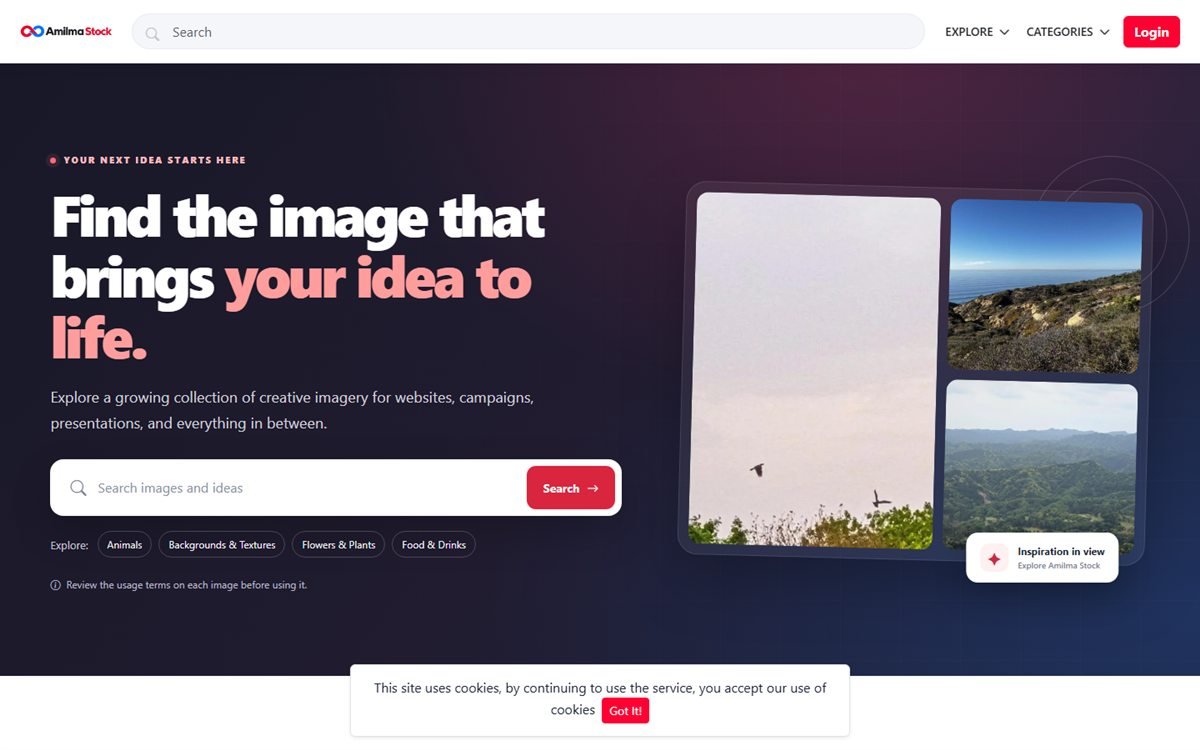
Solutions for work
Different kinds of work call for different starting points.
Start with a Cloud workspace for project details, tasks and the people involved in the work.
Explore project work →See how a business workspace can bring clients and team operations closer to everyday work.
Explore people and clients →Learn about the planned direction for Analytics and why tracking is not available yet.
Explore the concept →Portfolio
From business websites to apps and communities, explore the projects, their needs and the digital opportunities they open up.
Applications, domains and ideas connected to the Amilma collection.
Digital platforms, media content and community spaces.
Overviews of business websites across different industries.
Getting started
Amilma is a collection of separate applications, so begin with the one that fits your work.
Browse the directory to find the tool that matches the work you want to do.
Check whether it is available, needs activation or requires preview access.
Follow the link and use that application’s own sign-in or access instructions.
Review the current features and plan details before you get started.
Read the guide →Good to know
A few details that help you navigate with confidence.
No. Amilma is a collection of applications with distinct roles, and some may use separate accounts.
Do accounts work across every application?Do not assume so. Use the sign-in page for the application you want and review its access settings.
Is Analytics ready to track visits?No. Analytics is in preparation and its current page is informational, not a working dashboard.
Where can I check availability?See the application status overview, or visit Help for guidance.
Explore Amilma
Explore the platforms, check availability or sign in to your account.
Hi there! How can we help you today?